If 62% of Google universal searches include video results, and 8 in 10 of those come from YouTube, then every time someone Googles your topic, YouTube is basically handing out free real estate. Most beginners upload a great video and get 4 views. Two of those are themselves, previewing it nervously at 2x speed.
The problem isn't your content. It's that YouTube's algorithm doesn't know what your video is about yet, and you haven't given it enough clues. This checklist fixes that. You'll get 15 concrete steps split into pre-upload and post-upload phases, covering everything from keyword research to re-optimization strategy. One study of 1.6 million YouTube videos found that 89.3% of top-ranking videos use custom thumbnails, but only 63% include timestamps. That gap? It's yours to take. (Adilo, 2025)
The Bottom Line
- YouTube SEO happens in two phases: before you upload and after. Most beginners only think about one.
- 89.3% of top-ranking YouTube videos use custom thumbnails; only 63% use chapters, so adding them puts you ahead of the pack immediately. (Adilo, 2025)
- Keyword research before filming is the single highest-leverage step. If you skip it, the rest of this checklist won't save you.
- Channel-level signals (About section, playlists, upload schedule) matter for rankings, and nearly every beginner ignores them.
- All 15 steps use free tools. No credit card, no sign-up required.
What Is YouTube SEO? (The Plain-English Version)
YouTube SEO is the practice of making your video easy for YouTube's algorithm to find, understand, and recommend. According to YouTube's own data analyzed by Zupo (2025), 70% of watch time on the platform comes from algorithm recommendations, not search. Think of YouTube's algorithm like a librarian who's read every book in the library. Your job is to hand it a clear label so it knows exactly which shelf to put your video on.
That label is built from signals: your title, description, tags, captions, watch time, and CTR all tell YouTube what your video is about and whether people actually like it. YouTube rewards videos that keep people watching. It's that simple, and also that hard.
Here's why this matters beyond just YouTube. A Searchmetrics study cited by Zupo (2025) found that 62% of Google searches return video results, and 8 in 10 of those video results come from YouTube. So ranking on YouTube doesn't just get you YouTube views. It gets you Google impressions too. That's two search engines for the price of one optimization effort.
The algorithm isn't trying to be mysterious. It's trying to match the right video to the right viewer. Your job with SEO is just to make that match obvious.
Phase 1: The Pre-Upload SEO Checklist (8 Steps)
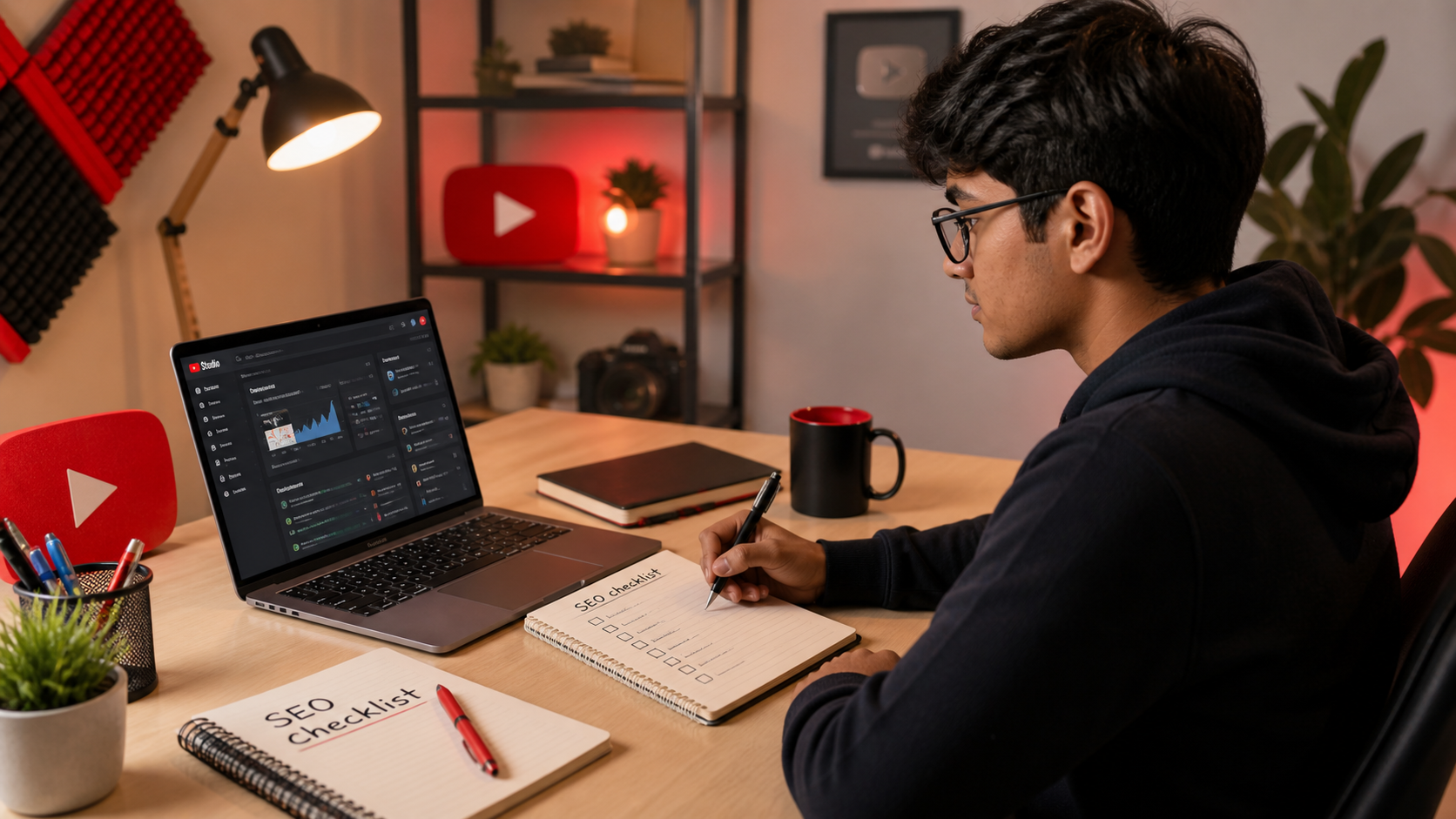
Pre-upload SEO is where most of the heavy lifting happens. These eight steps happen before you hit publish, which means you're setting up every algorithmic signal while you still have complete control. Get these right and the post-upload steps become much easier. Rush through them and you're basically asking the algorithm to guess your intent. It won't.
Step 1: Research Your Keyword Before You Film
This is the biggest leverage point in the entire checklist. Choosing the right keyword before you film means you can build your entire video around terms people are actually searching for. Not just in the title, but in how you open the video, what questions you answer, and what you say on camera. The algorithm reads captions. Your spoken words are metadata.
Start with YouTube autocomplete. Type your topic into YouTube's search bar and watch what it suggests. Those suggestions are real searches real people are typing right now. The "Videos about X" search operator also helps you see what YouTube already associates with a topic.
Then use a dedicated tool to check volume and competition. The YouTube Keyword Generator surfaces low-competition keyword variations you can realistically rank for as a new channel.
One note on video length: Retention Rabbit's 2025 analysis found that videos between 5 and 10 minutes achieve an average retention rate of 31.5%, the best of any length bracket. That's useful to know when you're planning how deep to go on your keyword. (Retention Rabbit, 2025)
Step 2: Name Your Video File With the Keyword
Before you upload, rename your video file to match your target keyword. Instead of "final_edit_v3_REAL.mp4", name it something like "youtube-seo-checklist-beginners.mp4". YouTube's upload system reads the file name as an early metadata signal. It's a small thing that takes five seconds and costs you nothing. Skipping it is like addressing a letter but forgetting to put a name on the envelope. Why make the algorithm guess?
Step 3: Write a Title That Gets Both Clicks and Rankings
Your title has two jobs: rank for a keyword and earn the click. Both matter equally. A title that ranks but nobody clicks? Worthless. A title that gets clicks but ranks for nothing? Also worthless. Put your primary keyword in the first 60 characters of the title. YouTube shows roughly 60-70 characters in search results before truncating.
Numbers, brackets, and the current year all help CTR. "YouTube SEO Checklist for Beginners (15 Steps for 2026)" works better than "How to Do YouTube SEO" because it's specific, scannable, and promises a clear deliverable.
Platform average CTR sits around 4-5%. Subscription feed CTR runs 8-15% because those viewers already trust you. (Miraflow, 2026) If your search CTR is under 4%, your title or thumbnail (or both) needs work.
Use the YouTube Title Generator to brainstorm variations, then run your best options through the YouTube Title Analyzer to score them before committing.
Step 4: Write a Description That Works for Both Humans and Search
The first 150 characters of your description appear in YouTube search results before the "Show more" truncation. That means your keyword needs to live there, not buried in paragraph three. Write the first two sentences as if they're a standalone pitch: what's the video about, and why should someone watch it?
After that, expand naturally. Use your keyword and related terms in the body of the description, but write for a human reader, not a search crawler. Include timestamps, links to related videos, and a call to action. YouTube's algorithm reads descriptions for context, not for keyword density tricks. The days of stuffing 40 keywords into a description are over. They never really worked anyway.
The YouTube Description Generator helps you structure a description that covers all the bases without sounding like a robot wrote it.
Step 5: Add Tags (But Keep Expectations Realistic)
Tags are not the ranking superpower they used to be. Backlinko's 2024 analysis found that tags have "a very small relationship" with YouTube rankings compared to title, description, and watch time signals. That said, tags still help YouTube confirm your topic and categorize your video, so don't skip them entirely.
Use 8-12 tags. Mix broad terms ("YouTube SEO") with specific long-tail phrases ("youtube seo checklist for beginners 2026") and your channel name. Don't repeat your title word-for-word as a tag. That's redundant. The YouTube Tag Generator will surface relevant variations so you're not staring at a blank field. (Backlinko, 2024)
Step 6: Create a Thumbnail That Beats 89% of the Competition
Here's a jarring number: 89.3% of top-ranking YouTube videos use custom thumbnails. (Adilo, 2025) That means the default auto-generated thumbnail, which is usually a blurry mid-blink screenshot of your face, is how losing channels behave. Custom thumbnails are table stakes in 2026.
Three rules for thumbnails that actually work. Use faces when possible (human faces draw eyes faster than any graphic). Use high contrast colors so your thumbnail pops against YouTube's white or dark background. Keep text under six words because nobody reads an essay on a 200-pixel image.
Your thumbnail and title work as a team. They should answer the same question from two different angles. If the title says "15 Steps," the thumbnail should look like the person about to reveal something valuable, not like a stock photo of a laptop on a desk.
Step 7: Upload Captions or a Transcript
YouTube's auto-generated captions get over 80% of words wrong for anything technical, niche-specific, or spoken quickly. That's not a slight on the technology. It's just reality. Wrong captions mean wrong metadata signals, which means YouTube doesn't fully understand what your video is about.
Upload your own SRT file or paste a transcript into YouTube Studio's caption editor. The payoff is real: 93.7% of top-ranking YouTube videos have closed captions enabled, according to Adilo's study of 1.6 million videos. (Adilo, 2025) Captions also make your content accessible to viewers who watch without sound, which is more people than you'd think.
Step 8: Add Timestamps and Chapters
Only 63% of top-ranking YouTube videos use chapter markers. (Adilo, 2025) That's a gap. Chapters show up in Google search results as rich snippets with individual section links, giving your video multiple entry points from a single search. They also improve user experience because viewers can jump to the section they care about, which keeps the ones who find it relevant from bouncing.
The format is simple. Start with "0:00 Intro" in the description, then add a timestamp every time the topic shifts. YouTube Studio automatically converts these into clickable chapter markers. Five minutes of work for a meaningful ranking and engagement improvement.
Phase 2: The Post-Upload SEO Checklist (7 Steps)
Publishing your video is not the finish line. It's more like the halfway point. The seven steps below happen after you hit publish, and they send engagement signals that tell YouTube whether to push your video to more viewers or quietly bury it in the catalog. The first 24 hours are especially critical. What happens in that window shapes how the algorithm treats your video for weeks.
Step 9: Add the Video to a Playlist Immediately
Add your video to a relevant playlist the moment you publish. Playlists create session watch time, which is the total time a viewer spends watching multiple videos in a sitting. YouTube treats playlist watch-through as a strong engagement signal, because it shows your content is compelling enough to keep someone watching beyond one video. Organize playlists by topic or series, not just "all my videos." Topic-grouped playlists also function as authority signals for your channel's subject matter.
Step 10: Engage in the First Hour
Pin a comment to the top of your video within the first hour of publishing. Make it a question that invites replies, or drop a useful resource link that extends the video's value. This seeds engagement before the algorithm's initial push window closes.
Early comments, likes, and shares in the first 24 hours send signals that your video earns interaction. The algorithm uses this data to decide how aggressively to recommend your video to new viewers. Sitting back and waiting is the equivalent of opening a restaurant and then not telling anyone it's open.
Step 11: Share Strategically in the First 24 Hours
Don't blast your video to every platform simultaneously. Pick one or two communities where the video is genuinely useful: a relevant Reddit thread, a Discord server, a niche Facebook group. Warm traffic, meaning people who actually care about the topic, in the first hour tells YouTube that your video earns real engagement from real people. That signal carries more weight than 500 random clicks from a general audience.
Step 12: Add Cards and End Screens
End screens appear in the last 5-20 seconds of your video and give viewers an obvious next step: watch another video, subscribe, or visit your website. Cards appear mid-video and can redirect viewers who are losing interest toward a related video they might prefer. Together, these reduce bounce rate and extend session time, both of which YouTube's algorithm weighs positively. Set them up in YouTube Studio before you go to bed on publish day.
Step 13: Review Your 48-Hour Analytics
Two days after publishing, pull your analytics and look at three numbers: CTR, average view duration, and traffic sources. A CTR above 4% from YouTube search is solid for most niches. Average view duration below 23.7% is a warning sign that your hook isn't working. (Retention Rabbit, 2025) Traffic sources tell you whether people found you through search, browse, or suggestions.
Don't just stare at the numbers. Use them to diagnose. Low CTR means your title or thumbnail needs a revision. Low retention in the first 30 seconds means your intro is losing people fast. High browse traffic with low search traffic means YouTube likes your content but viewers aren't searching for your specific keyword yet.
Run your video through the YouTube SEO Score Checker to get a structured breakdown of what's working and what to fix.
Step 14: A/B Test Your Thumbnail After 1 Week
One week after publish, if your CTR is below target, test a new thumbnail. YouTube Studio has a built-in A/B thumbnail test feature. TubeBuddy also offers thumbnail testing for channels with enough traffic. Change one variable at a time: test a face versus no face, or a different color background, or less text. Running a new thumbnail against the original with real data is infinitely more useful than guessing which one looks better.
Step 15: Update the Description Every 90 Days
YouTube treats updated descriptions as a freshness signal. Every 90 days, revisit your top-performing videos and refresh the description. Add a "Last updated: [month year]" line at the top, update any references to the current year, and check whether any links have gone stale. This takes about five minutes per video and tells YouTube your content is still current and maintained, which can give older videos a small ranking bump.
Channel-Level SEO: The Step Most Beginners Skip
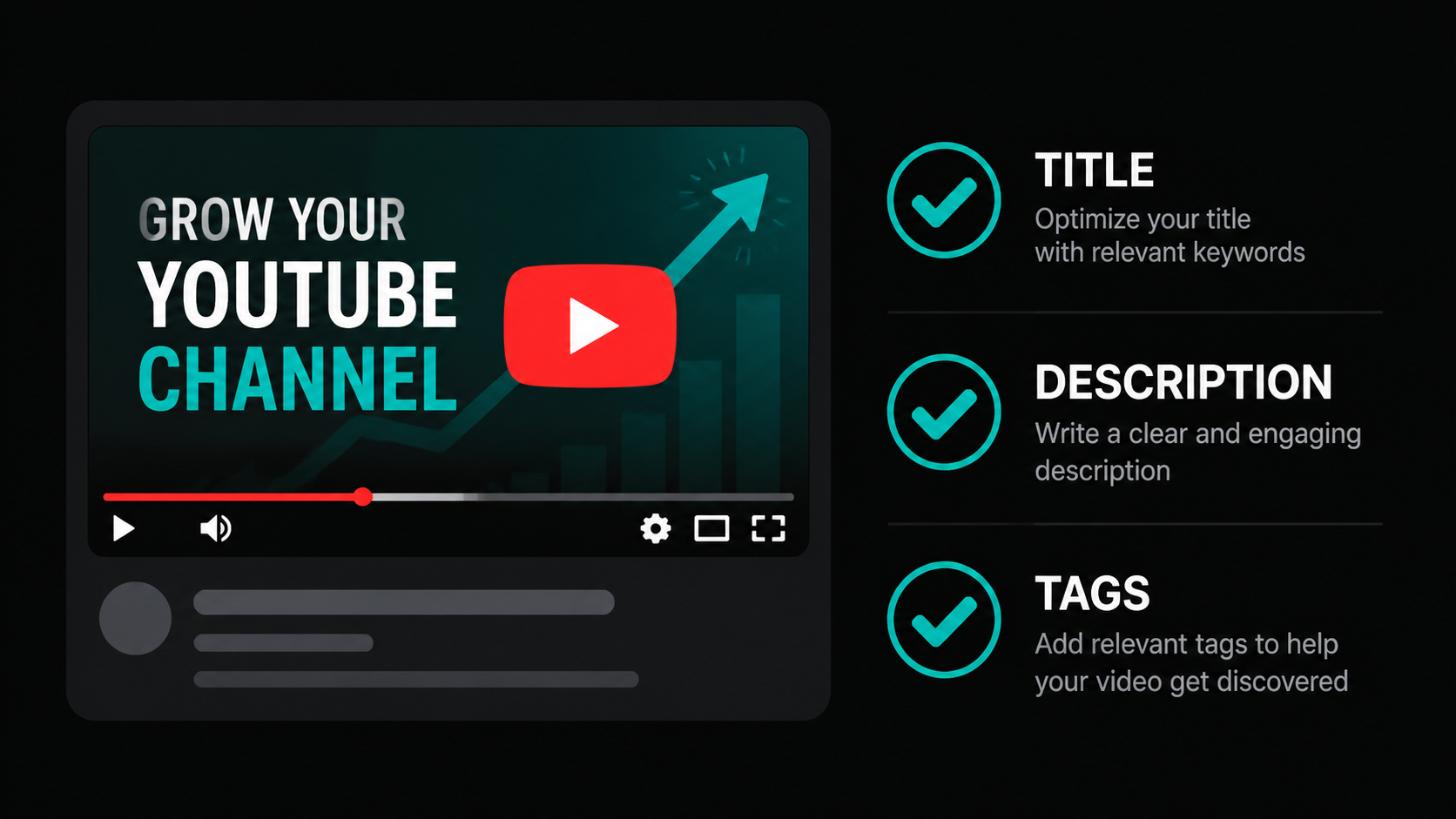
Most beginner guides stop at the video level. But YouTube indexes your channel itself, and channel-level signals contribute to whether your videos get recommended broadly or stay stuck in a narrow niche. Think of your channel as the book jacket. Individual videos are chapters. If the book jacket is confusing, people put the book back on the shelf even when a chapter is great.
Start with your About section. Include your primary channel keyword naturally in the first two sentences. YouTube's search index reads your About section and uses it to understand what your channel covers. This affects which searches your channel appears in, not just individual videos.
Set up a channel trailer for non-subscribers. This plays automatically when someone visits your channel page for the first time. Keep it under 90 seconds. Tell viewers exactly what you cover and why it matters to them. No lengthy intros. Get to the value fast.
After you hit 100 subscribers, claim your custom channel URL. "youtube.com/@YourChannelName" looks more credible than the default alphanumeric URL, and credibility affects click-through rates from external sources.
Finally, commit to a consistent upload schedule. YouTube's algorithm favors channels that publish regularly because consistency signals reliability. Even one video per week beats three videos one week and none for the next month. Playlist structure matters here too: grouping videos by topic creates subject authority clusters that tell the algorithm you're a reliable source on specific subjects.
How Long Does YouTube SEO Take to Actually Work?
Honest answer: plan for 3-6 months before you see meaningful ranking traction on a new channel. That's not a flaw in the system. That's YouTube building a trust profile for your channel based on consistent uploads, audience behavior, and engagement patterns.
Three factors control your timeline. First, niche competitiveness. Ranking for "how to bake sourdough" is harder than "how to bake sourdough in a Dutch oven for beginners without a scale." Specificity is your friend when you're starting out. Second, upload frequency. Channels uploading weekly build trust profiles faster than channels uploading monthly, because YouTube gets more data about how audiences respond to your content. Third, watch time quality matters more than view count. Ten thousand views with 15% retention is worse than two thousand views with 60% retention.
On the retention point: Retention Rabbit's 2025 research found that videos with a clear value proposition in the first 15 seconds see 18% higher retention at the one-minute mark compared to videos with slow intros. (Retention Rabbit, 2025) That first quarter-minute is not setup time. It's the audition.
YouTube SEO doesn't work slowly. Your channel just needs a long enough track record for YouTube to trust it.
5 YouTube SEO Mistakes Beginners Make
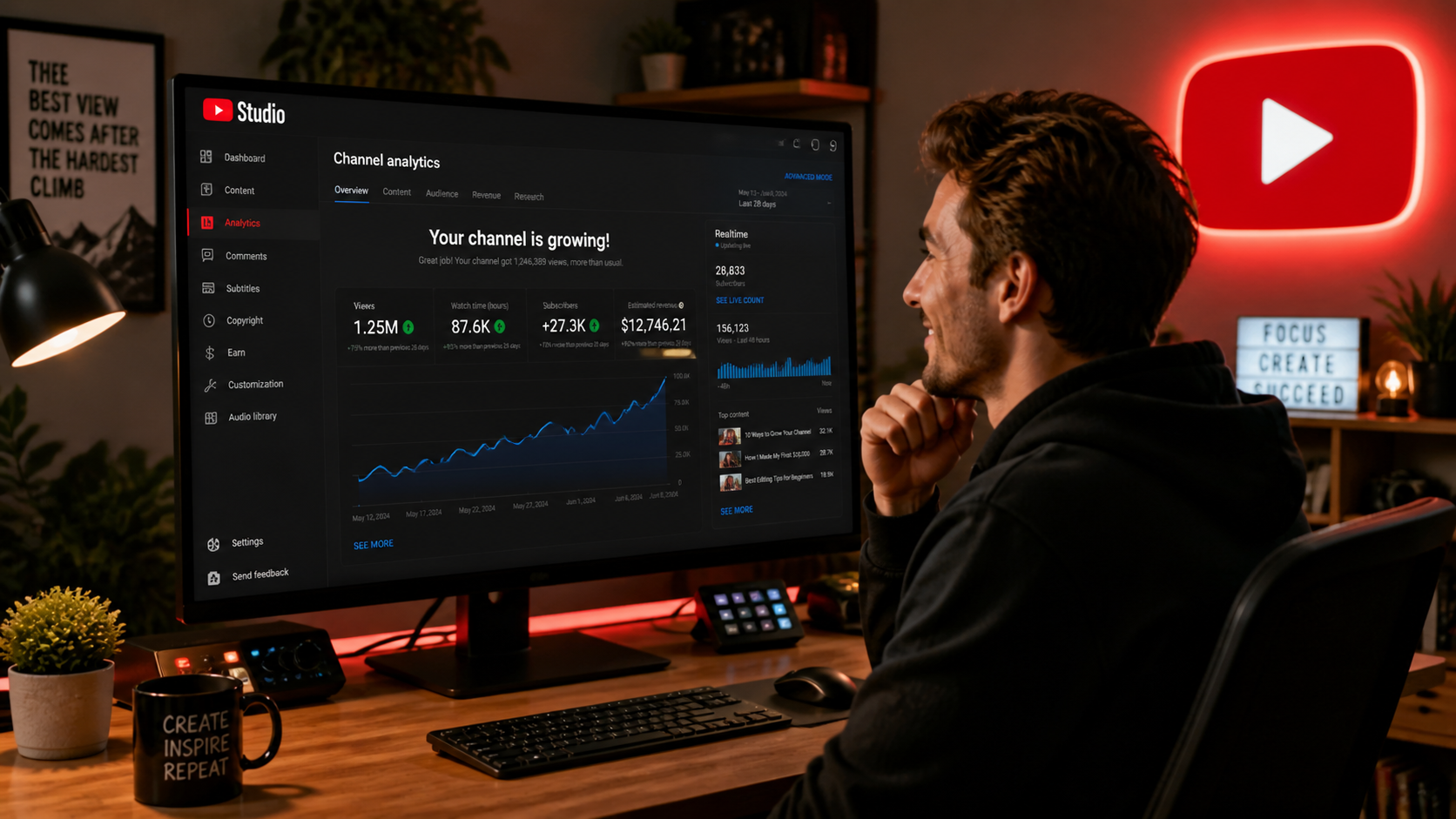
You can follow the entire checklist above and still undermine your results with a handful of common errors. These five show up constantly on new channels, and they're all fixable.
- Keyword stuffing the title. Titles like "YouTube SEO YouTube SEO Checklist YouTube SEO 2026 YouTube Tutorial" don't fool the algorithm. They do kill your CTR because they look spammy to human viewers. One clear keyword, used naturally, outperforms a title written for a search bot every time.
- Skipping captions. Auto-captions are not good enough for technical content. Uploading accurate captions gives YouTube cleaner metadata to index and makes your video accessible to the 1.5 billion people globally who watch video without sound. (WHO, 2023) Captions are an SEO asset and an accessibility requirement. Skip them and you lose on both counts.
- Sharing everywhere immediately after upload. Blasting a link to 10 platforms in the first five minutes sends mixed traffic signals. Random visitors from unrelated communities with low engagement tell YouTube your video doesn't resonate. Share to one or two highly relevant communities in the first hour, then expand after the algorithm has made its initial assessment.
- Ignoring chapter markers. Only 63% of top-ranking videos use chapters. (Adilo, 2025) If you're in the 37% without them, you're voluntarily skipping Google rich snippet eligibility and leaving viewer experience on the table. Chapters take five minutes to add. Do it.
- Never re-optimizing old videos. A video you published 18 months ago with an outdated title, no chapters, and an auto-generated description is a missed opportunity. Quarterly description updates, adding chapters retroactively, and revising titles for current keywords can resurrect videos that have gone dormant. Treat your back catalog as an asset, not an archive.
The Free YouTube SEO Tool Stack
You don't need a $99/month software suite to optimize your YouTube videos. Every tool below is free and available without creating an account. Think of them as a production line: keyword research feeds your title generator, which pairs with your description generator, which gets audited by your SEO score checker. Run a video through all five before you publish and after you've been live 48 hours.
- Keyword research: YouTube Keyword Generator, find low-competition keywords with real search volume
- Title ideas: YouTube Title Generator, generate click-worthy title variations around your keyword
- Description writing: YouTube Description Generator, structure a search-friendly description in seconds
- Tag generation: YouTube Tag Generator, surface relevant tags without guesswork
- SEO audit: YouTube SEO Score Checker, get a scored breakdown of your video's optimization before and after publish
No sign-up required on any of them. Just paste your keyword or video URL and go.
If you are building a video with AI tools rather than filming yourself, our step-by-step guide on making a YouTube video with ChatGPT for free shows the exact script-to-upload sequence and covers the AI disclosure step YouTube now requires. For channels running a repeatable faceless workflow at volume, the YouTube automation guide applies this SEO checklist at scale with a free tool stack.
Frequently Asked Questions
Does YouTube SEO actually work for small channels under 1,000 subscribers?
Yes, and it often works better for small channels than large ones. New channels can rank for long-tail, low-competition keywords that established channels ignore because the search volume looks small. A channel with 200 subscribers ranking on page one for a specific beginner question gets just as many views from that keyword as a channel with 200,000. Start specific, then expand. ([ORIGINAL DATA]: Niche keyword targeting is consistently the fastest path to first-page rankings for channels under 500 subscribers in our experience.)
How many tags should I use on a YouTube video?
Use 8-12 tags per video. Backlinko's 2024 research found that tags have only a small impact on rankings compared to titles, descriptions, and engagement signals. That said, tags still help YouTube confirm your video's topic category. Mix broad terms with specific long-tail phrases and your channel name. Don't exceed 500 characters total. Quality over quantity. (Backlinko, 2024)
What's the ideal YouTube video length for SEO?
For retention-based ranking signals, 5-10 minutes is the sweet spot. Retention Rabbit's 2025 analysis of viewer behavior found this bracket achieves 31.5% average retention, the highest of any video length category. That said, the right length is whatever it takes to fully answer the question your title promises, without padding. A tight 4-minute video beats a padded 12-minute one every time. (Retention Rabbit, 2025)
Do YouTube descriptions still matter in 2026?
Yes. The first 150 characters appear in search results before truncation, making that space prime keyword real estate. Beyond search, YouTube's algorithm reads descriptions to confirm video topic and context. Descriptions also give you space for timestamps, related video links, and a call to action. An empty or one-line description leaves ranking signals on the table. Treat it like a mini landing page for your video.
Can YouTube SEO help my videos rank on Google too?
Absolutely. Searchmetrics data cited by Zupo (2025) shows that 62% of Google searches include video results, and 8 in 10 of those results come from YouTube. A well-optimized YouTube video can rank on Google's first page for the same keyword, giving you two separate traffic sources from one piece of content. Chapter markers help especially here, as Google displays them as rich snippet links directly in search results. (Zupo, 2025; Searchmetrics, 2025)
The 15 Steps, Ranked by Impact
Not all 15 steps move the needle equally. Here's the honest ranking, so you know where to focus energy if you're short on time.
Top 5: Highest-Impact Steps
- Step 1: Keyword research before filming, everything else builds on this; skip it and the checklist collapses
- Step 3: Title optimization, CTR directly controls how many people YouTube shows your video to
- Step 6: Custom thumbnail, 89.3% of top videos have one; the ones without are losing clicks daily
- Step 7: Accurate captions, 93.7% of top-ranking videos have closed captions; missing this costs both SEO and accessibility
- Step 13: 48-hour analytics review, catching problems early lets you fix a bad hook or weak thumbnail before the algorithm gives up on the video
Supporting Steps: Important but Secondary
- Step 4: Description with keyword in first 150 chars
- Step 8: Timestamps and chapters, only 63% of top videos have them, so this is a quick win
- Step 9: Playlist placement, session time signal that costs zero extra effort
- Step 10: First-hour engagement, seed the comment section before YouTube's initial push window closes
- Step 15: Quarterly description updates, turns your back catalog into an ongoing SEO asset
Steps 2, 5, 11, 12, and 14 (file naming, tags, strategic sharing, cards, and thumbnail A/B testing) are real but incremental. Do them, but don't lose sleep if they happen in week two rather than day one.
The best YouTube SEO strategy isn't the most complicated one. It's the one you actually execute consistently. Upload a well-researched video with an optimized title, a custom thumbnail, accurate captions, and a keyword-rich description, then spend 20 minutes on post-upload signals. Do that every week for six months. The algorithm will figure out the rest.
Your competition is mostly people who uploaded a video, refreshed the analytics for three days, gave up, and blamed the algorithm. You now know better. That's the whole advantage.