You've heard a hundred times that "YouTube SEO is important." Cool. But nobody gives you an actual step-by-step checklist you can follow before, during, and after every upload. That's exactly what this is.
This YouTube SEO checklist covers everything a beginner needs to do to give their videos a real shot at ranking, from keyword research before you film to the channel settings most creators completely ignore. Work through each step, and you'll know your video is properly optimized every single time.
Key Takeaways
- YouTube SEO starts before you film. Keyword research determines whether your video can rank at all. Optimizing a video nobody searches for is wasted effort.
- The average YouTube CTR across all channels is 4-5%. Channels hitting 6-10% CTR are considered excellent. Your title and thumbnail control this number entirely (Focus Digital, 2026).
- Your first 10-15 seconds determine roughly 50% of your video's retention rate. Hook early or the algorithm buries your video regardless of how well-optimized your metadata is.
- Channels that reply to 50+ comments within the first 2 hours of posting see 15-20% higher reach from the algorithm (DataSlayer, 2026).
- YouTube SEO takes 60-90 days for a new channel to show consistent results. The checklist speeds that up. Skipping steps slows it down.
What Is YouTube SEO? (The Version That Actually Makes Sense)
YouTube SEO is the process of making your videos findable. That's it. YouTube has over 800 million videos uploaded as of 2026, and its algorithm has to decide which ones to show when someone types a search query. YouTube SEO is everything you do to signal to that algorithm: "this video is the best answer to this specific search."
There are two ways YouTube distributes videos: Search (someone types a query and your video appears in the results) and Suggested (YouTube recommends your video based on viewer history and behavior). For beginners with zero subscribers, Search is where you start. You can influence search rankings directly. You can't control suggested traffic until you have a track record.
YouTube SEO covers three areas:
- Metadata optimization: titles, descriptions, tags, chapters, and captions that tell YouTube what your video is about.
- Performance signals: CTR, watch time, retention, comments, and likes that tell YouTube whether viewers actually enjoy your video.
- Channel-level signals: your channel's consistency, niche focus, and overall engagement history that tell YouTube how much to trust you.
This checklist covers all three. Let's go through them in the order you'll actually use them.
YouTube SEO is fundamentally a two-stage optimization: metadata signals help YouTube categorize and surface a video in search results, while performance signals (CTR, retention, watch time, and engagement) determine how broadly the algorithm distributes it. New creators who optimize metadata without understanding performance signals often see initial search traffic that plateaus, because a well-titled video with weak retention gets demoted after its first test audience drops off (RecurPost, 2026).
Before You Film: Keyword Research Is the Real First Step
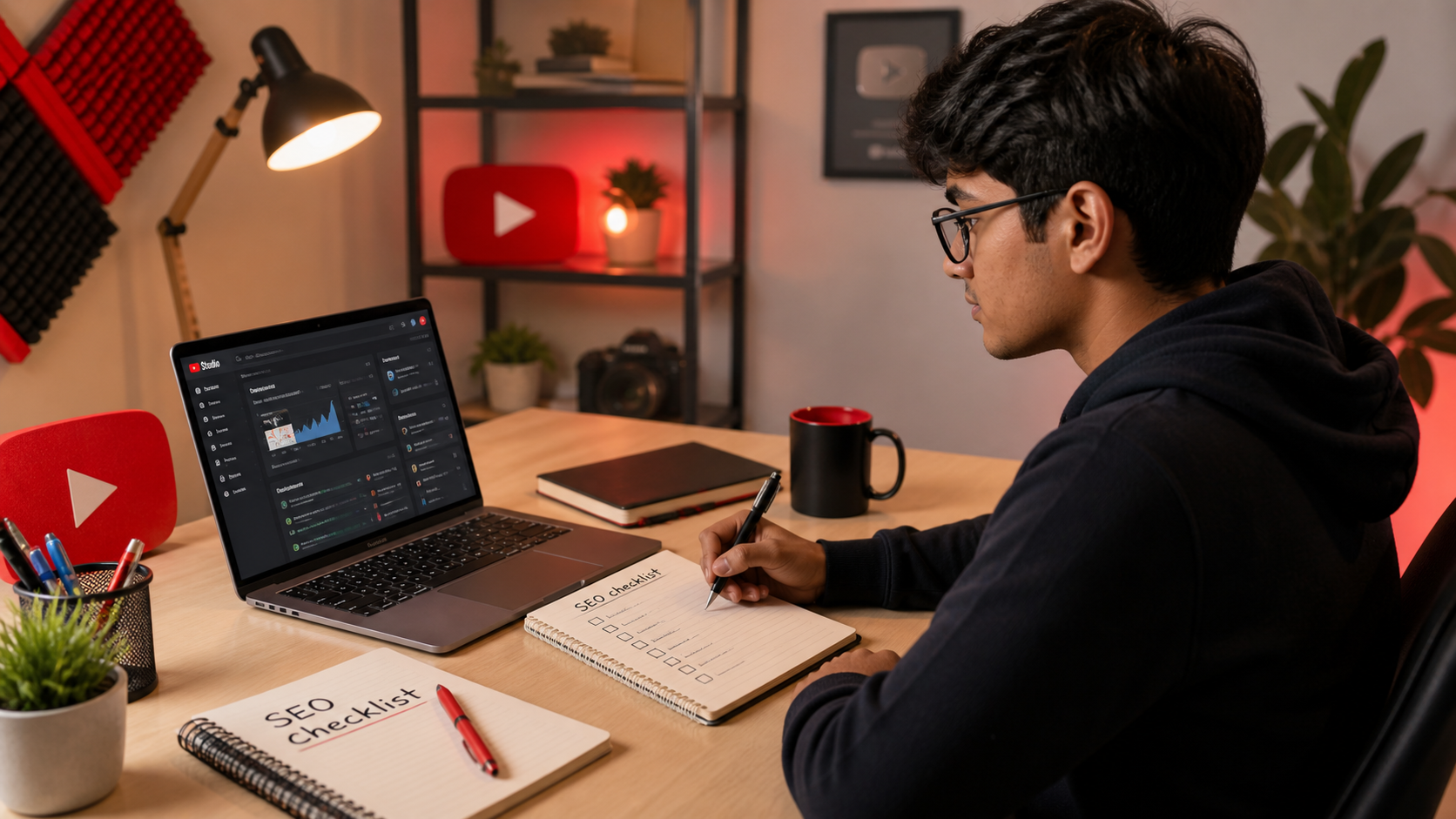
Most beginners optimize after they film. That's backwards. The keyword determines everything: the title, the content structure, the thumbnail text, even what you say in the opening 30 seconds. If you pick a keyword nobody searches for, no amount of optimization will generate views. If you pick a keyword too competitive for a small channel to rank, same result.
Here's how to pick the right keyword before you film a single frame:
Step 1: Use YouTube autocomplete as your starting point. Open YouTube, type your topic, and don't press Enter. Look at the dropdown suggestions. Those are real phrases real people are typing. Each autocomplete suggestion is a potential keyword. Write down 5-10 that are relevant to your video idea.
Step 2: Check the competition. Search your top keyword and look at the results. Are the top 5 videos from channels with 100K+ subscribers? Move on to a more specific variation. Are they from channels with under 10K subscribers or views in the low thousands? That's your signal that smaller channels can rank here. The sweet spot for a new channel is a keyword with consistent search demand but low competition from large channels.
Step 3: Validate with Google Trends. Change the filter to "YouTube Search" and check if your keyword is stable, rising, or declining. A rising topic with lower competition is the jackpot. A declining topic with high competition is a trap.
Want a faster path? Our free YouTube Keyword Generator identifies low-competition keyword ideas for your topic in seconds, no paid tools required.
Pre-film checklist:
- [ ] Keyword identified with search demand
- [ ] Competition checked (small channels ranking in top 5 is a green light)
- [ ] Keyword trend confirmed as stable or rising
- [ ] Primary keyword noted for title, description, and spoken in video
The Title, Thumbnail, and Description Checklist
These three elements do the heavy lifting in YouTube SEO. Get them right and your video has a real chance of ranking. Get them wrong and the rest of your optimization doesn't matter much.
Title optimization (do all of these before you upload):
- [ ] Primary keyword placed within the first 40 characters of the title
- [ ] Title is under 60 characters total (mobile truncates beyond this)
- [ ] Title reads naturally as a sentence, not a keyword list
- [ ] Title includes either a number, a question, or a power word (how, why, best, free, fast)
- [ ] Title matches exactly what the video delivers (misleading titles kill retention)
Use our free YouTube Title Generator to generate multiple optimized title options for your keyword, then pick the one that best fits your video. Or run your draft title through the YouTube Title Analyzer to get a score before you publish.
Thumbnail checklist:
- [ ] Custom thumbnail designed (never use the auto-generated frame)
- [ ] One face with a clear, readable emotion (curiosity, surprise, or excitement)
- [ ] Maximum 3-5 words of bold, high-contrast text
- [ ] Colors contrast strongly with YouTube's white or dark background
- [ ] Thumbnail passes the "squint test": readable at thumbnail size without zooming
Description checklist:
- [ ] Primary keyword appears in the first 25 words
- [ ] First 2-3 lines are compelling before the "Show More" cutoff
- [ ] Description is at least 150-200 words total
- [ ] Secondary keywords mentioned naturally 1-2 more times throughout
- [ ] Links to related tools or resources included (ours or others)
- [ ] Timestamps/chapters added if the video is over 5 minutes
Our free YouTube Description Generator writes keyword-optimized descriptions for you. Paste in your topic, keyword, and a quick video summary and it handles the rest.
Placing a primary keyword within the first 40 characters of a YouTube title generates measurably higher click-through rates because both YouTube's search algorithm and mobile viewers (who see truncated titles) prioritize the opening words. In 2026, with over 70% of YouTube watch time happening on mobile devices, title truncation has become a significant ranking factor that most beginner guides overlook. Descriptions that include the primary keyword in the first 25 words also give YouTube's indexing system a stronger relevance signal before the "show more" cutoff (Avenue180, 2026).
Tags, Chapters, and Captions: The Details That Add Up
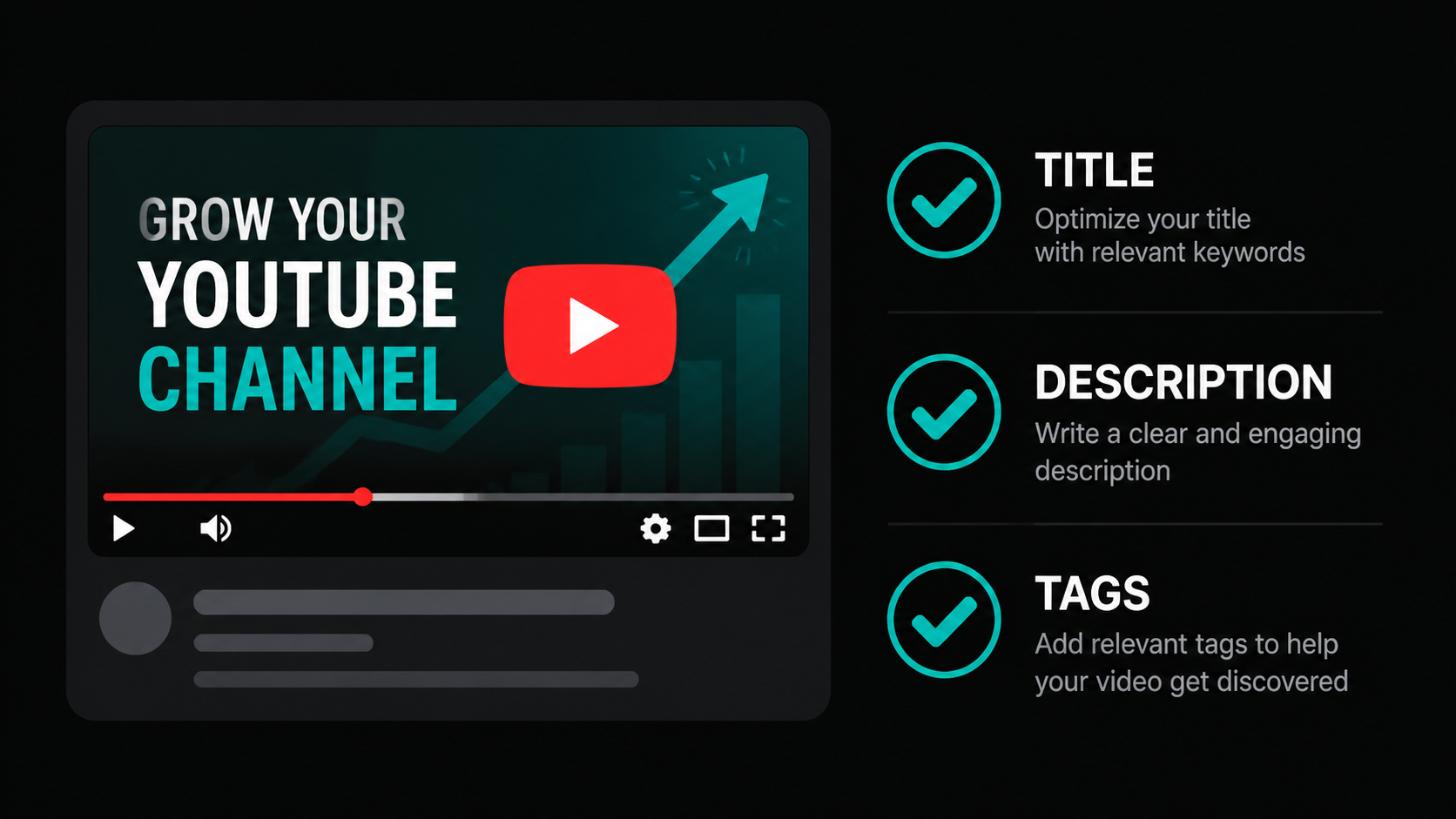
These elements aren't as high-impact as your title and thumbnail, but they compound over time. Get them right and you're giving YouTube every possible text signal about what your video covers.
Tags checklist:
- [ ] First tag is your exact primary keyword (verbatim)
- [ ] 5-8 additional tags covering related phrases and slight variations
- [ ] Total tags stay between 200-300 characters (the Briggsby Research sweet spot)
- [ ] No irrelevant or misleading tags added just for views
- [ ] Two to three word phrases used (not single words, not full sentences)
If tags feel like guesswork, our free YouTube Tag Generator handles the whole thing. Type in your topic and get a ready-to-paste tag set optimized for YouTube's algorithm.
Chapters checklist (for videos over 5 minutes):
- [ ] Timestamps added to the description starting with 0:00
- [ ] Each chapter title includes a relevant keyword or topic phrase
- [ ] Chapters break the video into logical sections (not just arbitrary timestamps)
Chapters do two things: they help viewers navigate your video (which improves retention), and they give YouTube more keyword-rich text to index. Both of those things help you rank.
Captions checklist:
- [ ] Auto-captions reviewed and corrected for major errors
- [ ] Manual captions uploaded if you speak quickly or with an accent (auto-captions miss things)
YouTube transcribes every video and uses that transcript as a ranking signal. If you mention your keyword out loud in the first 30 seconds, that's an extra confirmation for YouTube's algorithm that your video is genuinely about what the title says. Say your keyword. On camera. Early.
What YouTube's Algorithm Actually Measures After You Upload
Here's where most beginner YouTube SEO guides stop. They cover the upload checklist and call it done. But the metadata just gets your video into the game. Your performance signals determine whether it stays there.
The two metrics that matter most in the first 48 hours after upload:
CTR (Click-Through Rate): The percentage of people who see your video in search or suggested and actually click on it. YouTube's own data puts the industry average at 4-5%. If yours is below that, your thumbnail or title is the problem, not your SEO. Fix the thumbnail first since it's the bigger driver of CTR for most beginners.
Average View Duration (Retention): The percentage of your video that viewers actually watch. Retention benchmarks vary by length: under 2 minutes should hold 50-70%, 5-10 minute videos should aim for 50%+, and longer videos should stay above 40% (Lenos, 2026). If your retention is low, the first 15 seconds are almost always where you're losing people. Start with value, not an intro.
Post-upload checklist (48 hours after publishing):
- [ ] Video shared once in a relevant community (subreddit, Discord, Facebook group)
- [ ] Reply to every comment within 2 hours of posting (channels doing this see 15-20% higher reach)
- [ ] Check CTR in YouTube Studio after 24 hours. Below 3%? Test a new thumbnail.
- [ ] Check the retention graph. Where does the biggest drop-off happen? Fix that in your next video.
- [ ] Check which traffic source sent the most views. Mostly search? Good. No search traffic? Your keyword may not be indexed yet. Check that your video is set to public, not unlisted.
Channel-Level SEO: What Most Beginners Completely Skip
Here's the thing about YouTube SEO: it's not just about individual videos. YouTube also evaluates your channel as a whole. A channel with clear focus, consistent uploads, and a complete profile gets more algorithmic trust than a scattered channel with identical-quality videos.
Channel setup checklist (do this once, update as you grow):
- [ ] Channel name is clear and niche-specific (not just your name unless you're a personal brand)
- [ ] Channel description includes your primary niche keyword in the first two sentences
- [ ] Channel icon is professional and readable at small sizes
- [ ] Channel banner visually communicates your niche within 2 seconds
- [ ] Channel URL is customized (available once you hit 100 subscribers)
- [ ] About section filled out completely with relevant keywords naturally placed
- [ ] Featured channels section populated with relevant creators in your niche
Ongoing channel health checklist:
- [ ] Posting on a consistent schedule (once a week beats random bursts)
- [ ] All videos stay within your defined niche (topic drift confuses the algorithm)
- [ ] Playlists created to group related videos (playlists extend session watch time)
- [ ] End screens added to every video pointing to your next most relevant video
- [ ] Info cards used to link to related videos within your channel
Check how your channel scores across all these SEO factors with our free YouTube SEO Score Checker. It audits your video's optimization in seconds and flags what to fix first.
Channel-level SEO signals play a measurable role in how aggressively YouTube surfaces individual videos. Channels that consistently post within a single niche topic cluster, rather than covering multiple unrelated subjects. They build algorithmic category clarity faster. YouTube uses channel history to predict which audience segments a new video should be shown to first. A niche-consistent channel with 20 videos gets a larger, more accurate test audience for each new upload than a topic-scattered channel with the same number of videos (SocioBlend, 2026).
How Long Does YouTube SEO Take to Show Results?
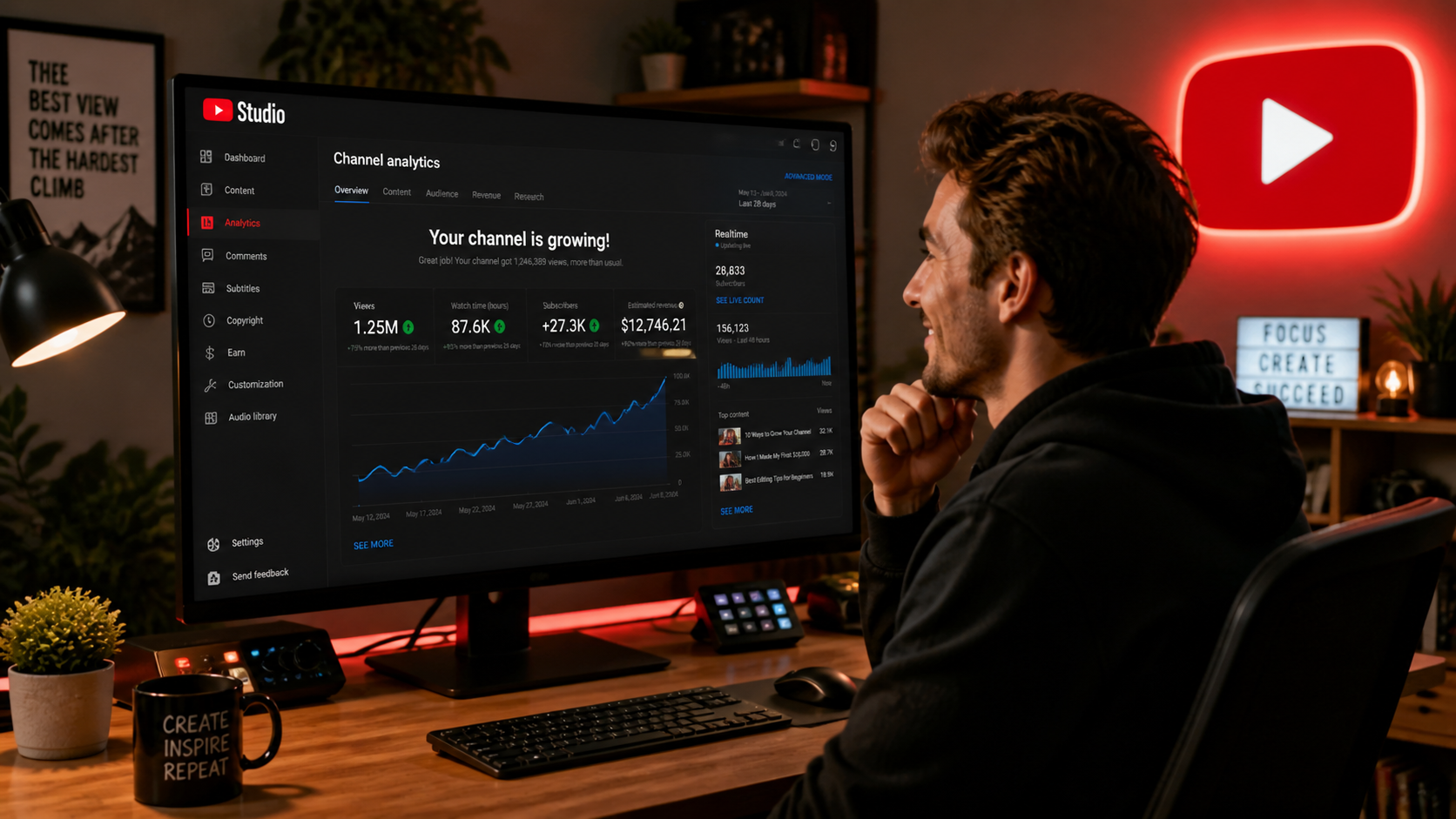
Honest answer: longer than you want, shorter than you fear. New channels go through a 90-day profiling window where YouTube is learning what your channel is about and who your audience is. During that window, even well-optimized videos can feel like they're going nowhere. That's normal. Don't change strategy every two weeks based on early numbers. You're working with too little data.
Here's a realistic timeline when you follow this checklist consistently:
- Weeks 1-4: Videos get indexed. Some search traffic trickles in. Focus on getting your first 10-50 views per video through keyword-targeted search. Don't check analytics obsessively.
- Weeks 5-8: YouTube starts categorizing your channel. Search traffic becomes more predictable. You might see your first video hit 200-500 views.
- Weeks 9-12: Algorithm trust builds. Retention data improves because you've identified your best hooks. One video might spike unexpectedly because YouTube pushed it to a slightly larger test audience and it passed the test.
- Month 4-6: Suggested traffic starts trickling in alongside search. This is the inflection point most creators never see because they quit at month 2.
The creators who break through aren't more talented. They're more consistent. Every video you publish is another data point helping YouTube understand your channel. Every optimization you do compounds. Skip the checklist on video 5 and you slow everything down. Follow it every single time and each upload builds on the last one.
Frequently Asked Questions
What is the most important YouTube SEO factor for beginners?
Keyword research before you film. If you create a video nobody's searching for, no amount of title or description optimization will generate views. Start with demand, then optimize around it. For beginners with zero subscribers, YouTube Search is the only controllable traffic source, and search traffic requires a real keyword with real search volume behind it.
How many tags should I use on YouTube?
Aim for 5-8 tags totaling 200-300 characters. Your first tag should be your exact primary keyword. The rest should cover related phrases and variations. Research from Briggsby (100,000 video analysis) found that the 200-300 character range was the sweet spot for ranking correlation. Avoid one-word tags and irrelevant tags added just to get views.
Does YouTube SEO still matter in 2026?
Yes, and especially for new channels. YouTube's algorithm increasingly relies on viewer satisfaction signals (watch time, retention, engagement), but those signals only matter once YouTube shows your video to an audience. SEO gets you that first audience via search. Without keyword optimization, a new channel has no reliable way to attract initial viewers. Browse and suggested traffic require an established audience base.
How often should I check my YouTube analytics?
Check CTR and retention 24-48 hours after publishing, then leave it alone for 2 weeks. YouTube's distribution algorithm continues working on videos for weeks after upload. Checking daily creates anxiety without useful data. After 2 weeks, look at which videos have the best retention and highest CTR. Make more content like those. That pattern recognition is worth more than daily number-watching.
Can YouTube SEO help my videos rank on Google too?
Yes. Google pulls YouTube videos into its search results, particularly for "how to" and tutorial queries. Optimizing your title and description for a YouTube keyword often helps the same video appear in Google search results as well. Videos with strong CTR and retention on YouTube are more likely to be surfaced in Google's video carousel results. It's the same optimization, double the traffic potential.